Pick a dedicated spot for your phone that sits far away from where you feed, rock, or play with your baby. We put a thrifted ceramic bowl on the top shelf of the pantry and called it our official phone parking station. When you enter the living room or nursery, drop your phone in the bowl.
Adding physical friction completely breaks the mindless habit of pulling out your phone every time your baby pauses to look at the ceiling. When your phone sits across the room, you think twice before getting up to check a random notification. That five-second delay is usually enough to pull your brain back into the present moment. If someone calls with an emergency, you will still hear the ringer, but you will not lose thirty minutes scrolling through social media feeds while your baby stares at the back of a plastic phone case.
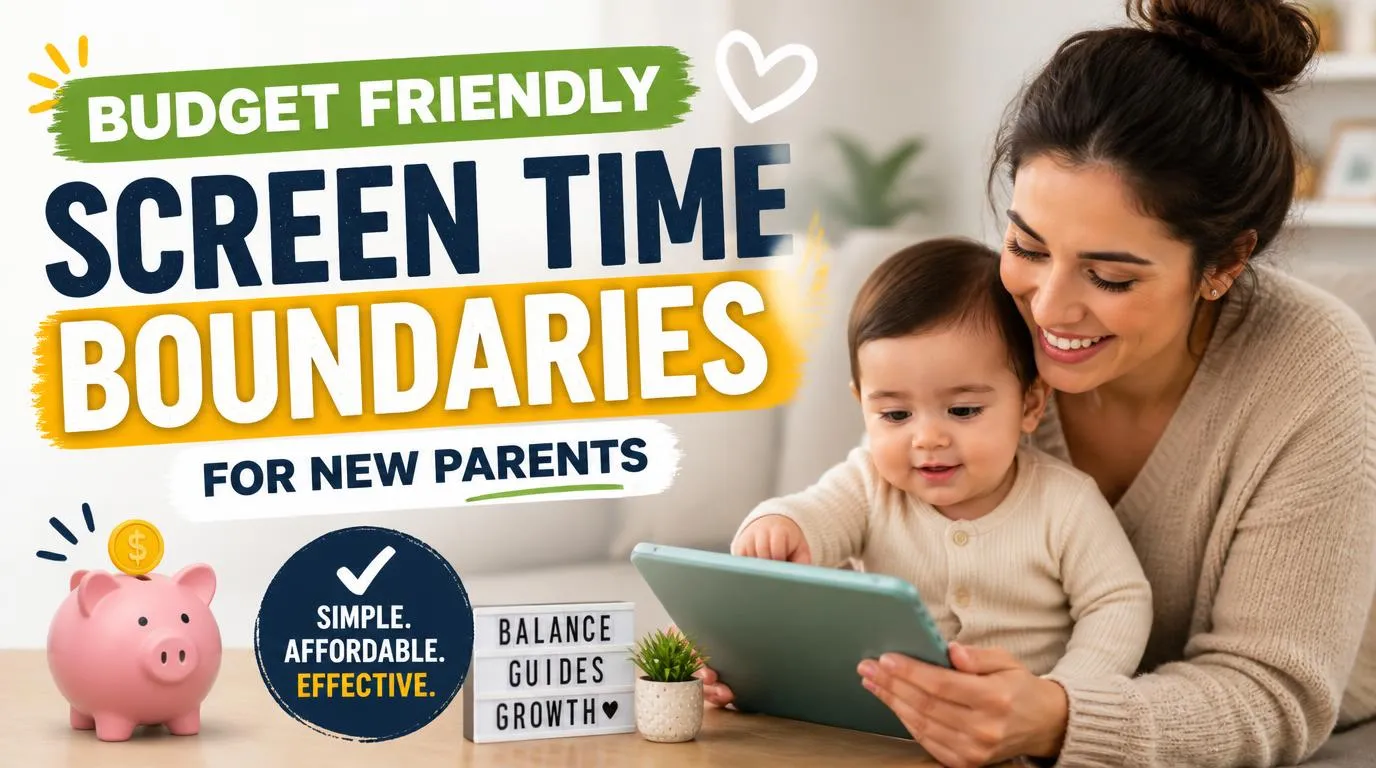
Why Budget Friendly Screen Time Boundaries for New Parents Start with Built-In Phone Settings
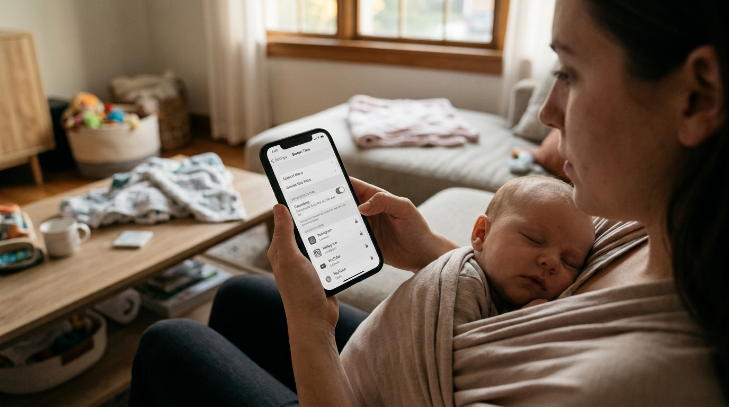
Your smartphone already holds all the parental control software you will ever need, completely free of charge. Instead of paying monthly fees for third-party boundary apps, dive into your existing device settings. Turn on scheduled downtime in Apple Screen Time or set app timers in Android Digital Wellbeing so that tempting social media and news apps lock automatically at 6:00 PM.
To take it a step further, switch your phone display to black and white by enabling the grayscale display mode in your accessibility options. Vibrant app icons and video thumbnails rely on bright colors to trigger dopamine in your brain. Stripping the color away makes your smartphone look remarkably dull, like reading a spreadsheet. You will instantly notice how much faster you put the device down because your brain stops receiving that visual sugar rush during quiet infant play sessions.
Swap Paid Subscriptions for High-Contrast Household Objects
Toy brands love convincing sleep-deprived parents that babies need sensory streaming channels or pricey digital subscription kits for optimal early brain growth. Establishing budget friendly screen time boundaries for new parents does not mean you have to purchase fancy wooden Montessori toys or high-end busy boards. Babies learn best by touching, mouthing, and exploring actual objects from their daily environment.
Build a simple household sensory basket using a shallow cardboard box filled with safe, clean items from your kitchen and linen closet. Throw in a metal whisk, a clean silicone pastry brush, a crinkly piece of parchment paper, and an empty egg carton. Your baby will spend fifteen focused minutes banging the whisk against the floor or feeling the texture of parchment paper. Real tactile friction stimulates neural pathways in ways glowing two-dimensional animations cannot match, and it costs zero extra dollars.
Create Zero-Cost Audio-Rich Environments
Silence in a quiet nursery often pushes exhausted parents to switch on the television just to hear another adult voice. Breaking that reflex is much easier when you fill the room with rich audio rather than flashing screens. Sound provides companionship and mental stimulation for parents while immersing infants in complex vocabulary patterns.
Rely on passive auditory stimulation by playing free podcasts, classical radio stations, or library audiobooks over a basic speaker. Download free apps like Libby or Hoopla using your local library card to access thousands of audio titles instantly without spending a penny. Your baby absorbs rhythm, cadence, and sentence structures from the spoken word while your hands and eyes remain completely free to interact, make eye contact, and build genuine connection during floor play.
Audit Background TV Without Buying New Furniture
Leaving the living room television running in the background while your baby plays on the carpet creates an invisible barrier to healthy focus. Even if your little one does not look directly at the screen, rapid camera cuts, flashing advertisements, and dramatic volume shifts constantly interrupt their natural train of thought.
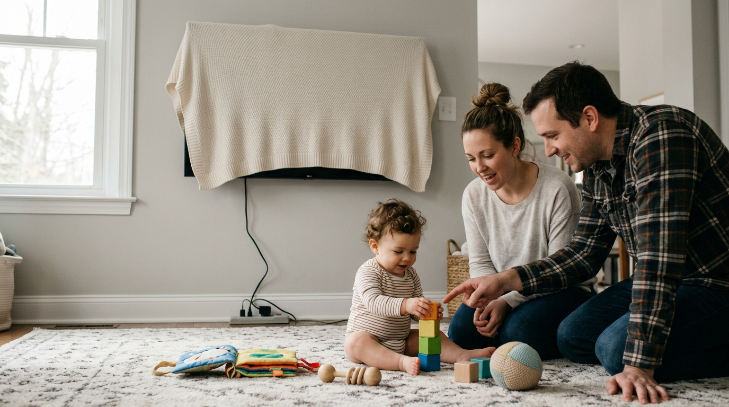
Create an easy visual distraction barrier by tossing a lightweight throw blanket over your mounted screen or unplugging the power strip during daytime hours. Running this simple exercise shows how budget friendly screen time boundaries for new parents rely on physical barriers rather than expensive gadgets. Removing the glowing screen from the visual landscape lengthens your baby’s independent attention span and encourages both parents to talk, sing, and narrate daily activities much more frequently.
Repurpose Everyday Chores into Interactive Play
Folding laundry might feel tedious, but to a developing baby, ordinary household tasks look like absolute magic. Parents often turn on bright digital cartoons as a digital babysitter just to wash dishes or fold sheets in peace. You can reclaim that time without screens by bringing your baby directly into the chore itself.
Practice the chore narration method by placing your baby safely on a blanket nearby and narrating every move you make like a live sports commentator. Wave the warm towels through the air before folding them, let your baby grip a clean wooden spoon while you stir soup, or drop colorful socks into a basket while counting out loud. Your baby gets rich sensory engagement and language practice, while you get your household chores finished without turning to a tablet for help.
Establish Screen-Free Rituals Around Feeding and Bedtime
Late night feedings test your willpower like nothing else, making endless scrolling an easy trap when you are trying to stay awake at 2:00 AM. That blue light wrecking your sleep signals also keeps your baby stimulated when they should be drifting back to sleep. Setting strict limits around nighttime feedings protects everyone’s sleep quality without requiring sleep trackers or smart nursery gear.
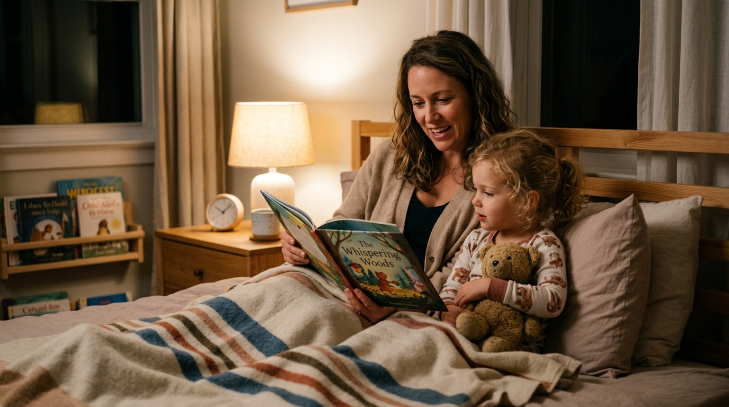
Set up an amber light protocol by swapping out harsh overhead nursery bulbs for a cheap, warm-toned amber nightlight that does not suppress natural melatonin production. Keep a physical paperback book or a standard notepad on the bedside table instead of your phone. Reading a physical book keeps your mind engaged enough to stay awake safely during feeds, but it will not spike your cortisol or leave you trapped in an endless algorithmic rabbit hole in the middle of the night.
Set Mutual Adult Boundaries to Prevent Passive Scrolling
Spouses and partners must align their daily digital habits to build a calm, present household for their children. It is easy to slide into parallel scrolling on the couch while the baby rolls around on the play mat, but infants pick up on parental distraction very quickly. IMO, modeling healthy habits together right now prevents major disciplinary battles over devices once your child reaches the toddler years.
Draft a simple accountability pact where both partners agree to keep specific hours of the day entirely device-free, such as the window between 5:00 PM and 7:00 PM during dinner, bath, and bedtime routines. Agree on a gentle, non-judgmental code word to call each other out when someone slips into mindless scrolling. Holding each other to budget friendly screen time boundaries for new parents requires open communication and clear agreements, proving that shared intentionality matters far more than expensive digital monitoring tools.
Track Screen-Free Wins with a Simple Paper System
Skip the aesthetic habit tracker apps that require monthly subscriptions and inevitably draw your eyes back to a screen. Low-tech tools work remarkably well for building new routines because they provide tactile satisfaction without digital friction.
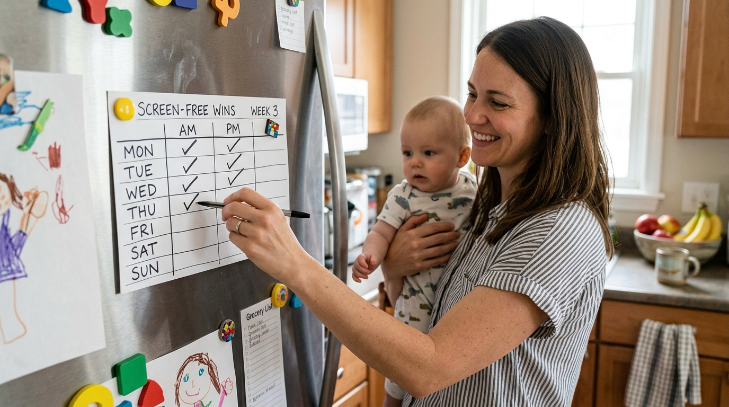
Pin an index card to the refrigerator door to serve as your low-tech habit tracker. Draw a basic grid for the week and add a checkmark for every morning or afternoon you spend completely screen-free with your baby. Watching those checkmarks pile up on the fridge builds genuine pride and keeps both parents motivated to maintain healthy screen habits without checking another notification or opening another app.
Frequently Asked Questions
How do you set budget friendly screen limits for infants?
Start by keeping all digital screens completely out of your baby’s direct sightline during daily wake windows. Swap video stimulation for interactive talking, singing, and tummy time on a clean blanket. You do not need expensive gear, just your voice, household objects, and consistent physical presence every single day.
Are built-in phone controls better than paid parental monitoring apps?
Yes, built-in operating system tools work better and cost nothing. Apple Screen Time and Google Family Link offer robust scheduling, app allowances, and downtime locks right inside your operating system. Paid monitoring apps charge recurring monthly fees for features your phone already provides out of the box.
What should I do when I need a quick distraction to cook dinner?
Place your baby safely in a highchair or on a floor blanket with safe kitchen items like a silicone whisk, plastic measuring cups, or a damp washcloth. Talk through every cooking step out loud. Babies find real kitchen sounds and smells much more engaging than an iPad screen.
How does background television affect infant brain development?
Background television reduces the quantity and quality of words parents speak to their babies throughout the day. Even if an infant does not look directly at the screen, rapid light flickers and audio shifts constantly break their natural concentration, which disrupts independent play and deep exploratory learning.
What can I say to relatives who use phones to entertain my baby?
Be direct, kind, and firm about your household house rules. Tell family members that your pediatrician recommended zero digital media for the early months. Hand them a board book, a rattle, or invite them to take a stroller walk outside so they can bond without leaning on a touchscreen.
Conclusion
Setting realistic limits for your family takes practice, especially when you are running on broken sleep and cold coffee. You hold the power to shape a peaceful home environment without spending a single cent on gimmicky gear or subscriptions. What is one free screen-free activity that always keeps your little one happy?